Client issues
Skin elements became low quality/sliders appear instantly/skin animations are gone
Disable skin optimization.
All the maps and skins are gone
Case #1, you launched another client with an older database version (older clients)
- Open the osu! folder (the one with exports and configs), it can be opened via "open morasooma directory" button in settings
- You need to find the following files:
client.realmandclient_newer_version.realm - Make sure that client_newer_version.realm is larger than client.realm, then rename client_newer_version.realm into client.realm (but save it with another file name beforehand).
Case #2, you launched a client with a NEWER database version (i.e. an official client that has been updated recently):
- Wait for a client update, after lauching morasooma you should have this pop-up:
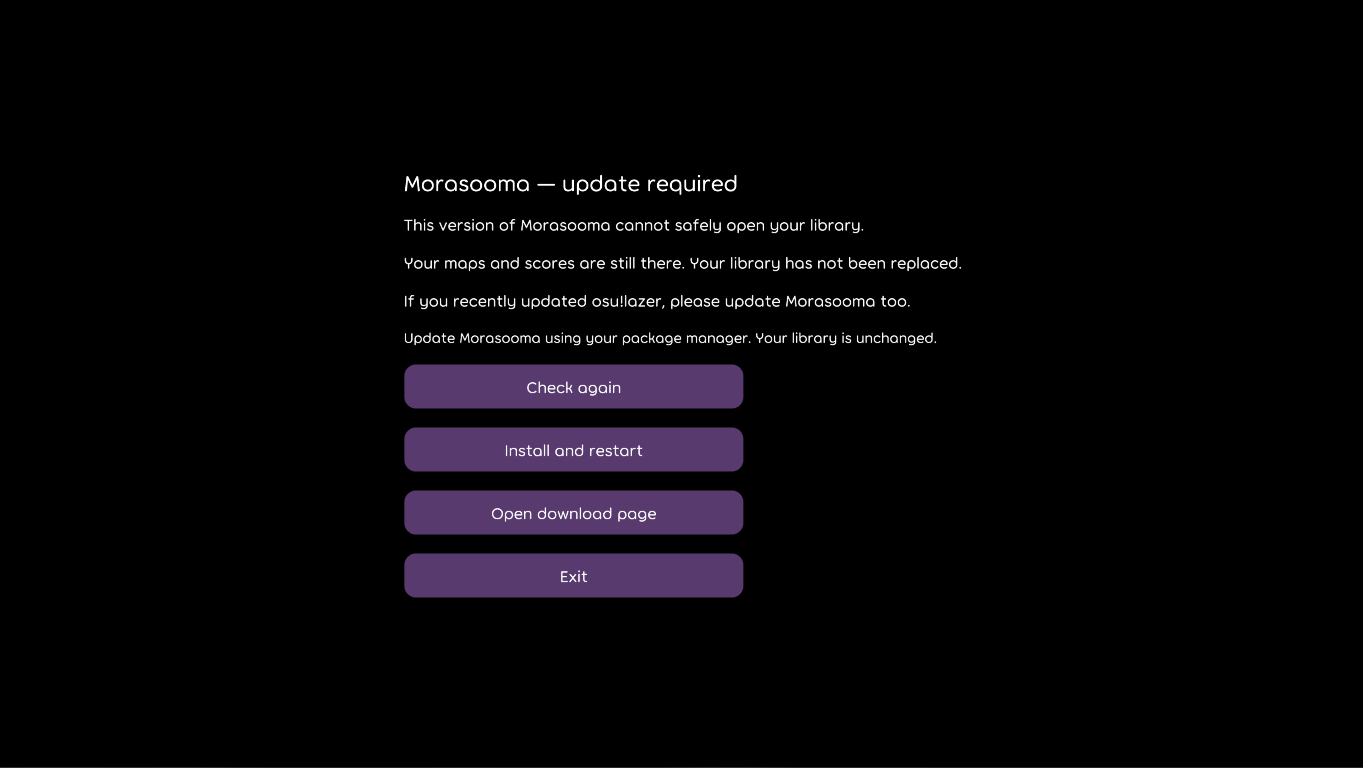
If your situation is different or you still can't your problems, message the dev on Discord direcly: xtillius1
Optimization issues
Launch the performance diagnostics called "render comparison". Don't touch anything, wait until it finishes. After this the game will offer the best renderer for your PC.
If you want to increase your FPS and understand how settings work, try going into "Detailed performance optimisation settings"
If you still don't like your FPS or you have stutters/freezes, please inform us in our Discord channel.